A Pete Lab

Meet Timo

Timo: Clipboard Manager and Productivity Toolkit for Mac

A calm, powerful workspace for your Mac

Universal search

Search what you need

Search text in your clipboard history

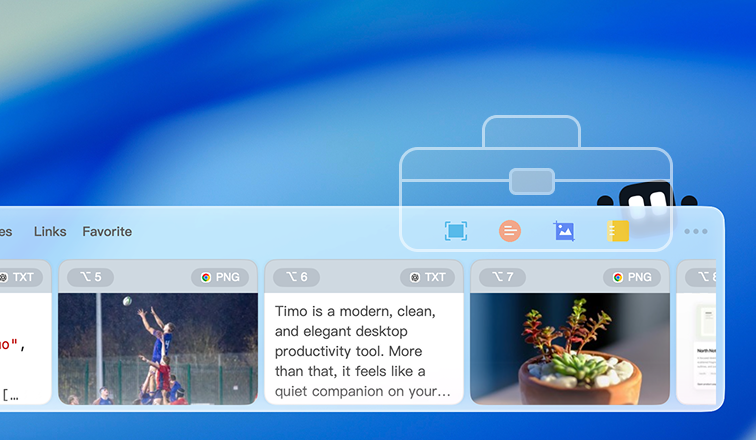
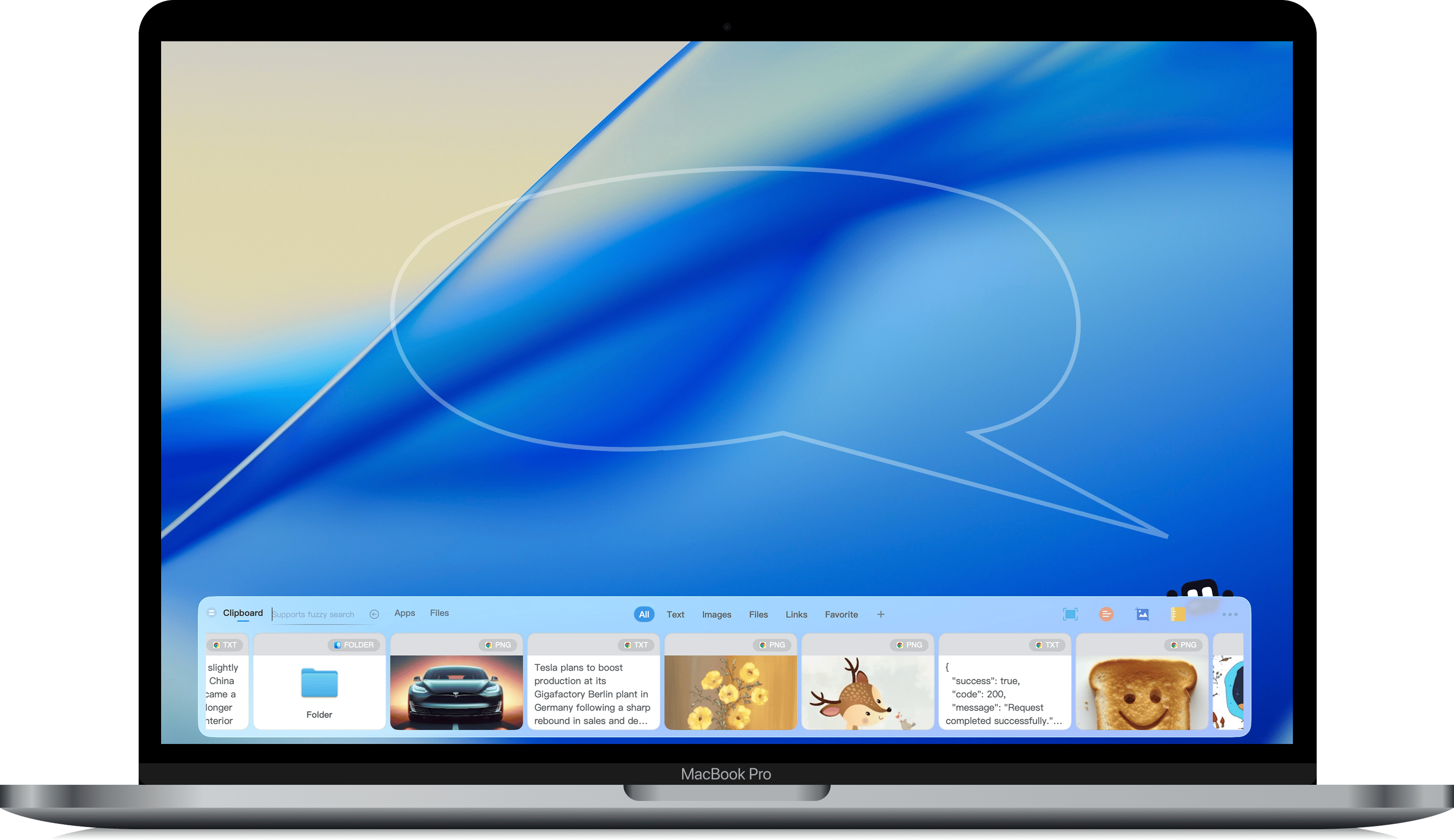
Timo can search clipboard history, installed apps, folders, and files on your Mac.

With on-device OCR, Timo can find text inside images and files.

*OCR runs locally on your Mac. Timo does not upload your data to a server for recognition.

Read the video transcript
  1. Search text in your clipboard history
  2. Search text inside clipboard images
  3. Search apps on your Mac
  4. Show the 20 apps you used recently
  5. Search files on your Mac

Ready when you need them

Powering your daily actions

  • Full-screen clipboard shows your clipboard history in a waterfall layout.
  • Quick fill lets you paste items in sequence faster.
  • Capture screenshots quickly and annotate them on the spot.
  • Use notes to capture information anytime, with basic arithmetic built in.

Your history, beautifully organized

Powerful clipboard cards

Press ⌘ + ⇧ + V
Read the video transcript
  1. Press ⌘ + ⇧ + V
  2. Press Return or double-click a card to paste it at the cursor (Website edition only. The App Store edition copies to the system clipboard.)
  3. Right-click an image card to open its action menu
  4. Drag cards
  5. Preview and work with images
  6. Pop an image out onto the desktop
  7. Work with text cards

Personalize your Timo

Make your Timo feel unique

Personalize your Timo
Read the video transcript
  1. Personalize your Timo

Start free. Upgrade when Timo becomes part of your work.

Compare the Mac App Store and website editions

Free

Basics included

Clipboard basics

Collect text, images, links, and files.

Clipboard history

The last eight records are available.

App search

Search and open apps quickly.

File search

Find files by name or content.

Custom color schemes

Design a color scheme that feels uniquely yours.

Screenshots

Capture any area of the screen, including scrolling screenshots.

Image translation

Translate screenshot content into the language you choose.

Local storage

Your data is stored on this Mac.

Data export/import

Export or import your Timo data anytime.

Recently used apps

Double-press ^ to open your 20 recently used apps.

Subscription

Complete capability

7-day full-feature trial

Everything in Free

Clipboard history

Use all history records without limits.

Clipboard search

Search every clipboard history record.

Notes

Record ideas, formulas, and tasks alongside clips.

Paste bar

Paste items one by one from the right-side paste bar.

Full clipboard

Browse, search, and select records in a larger view.

Cloud sync

iCloud sync.

Favorites and fill groups

Group reusable content and fill it on demand.

More features coming

More Subscription capabilities will keep joining.

Lifetime

One-time purchase. Lifetime access.

Everything in Subscription

Lifetime exclusive

A collectible desktop crown reserved for supporters.

Pricing

Core features are free forever.
Upgrade to Pro whenever you’re ready for advanced workflows.

Mac App Store Edition

Subscription

$0.99 / month$9.99 / year$14.99 family / year

Lifetime

$24.99 one-time purchase
  • Automatic background updates via Mac App Store
  • Apple Family Sharing subscription supported
Get Timo in App Store

Website Edition

Most Popular

Lifetime

$19.99 one-time purchase
  • Save $5 compared to App Store lifetime edition
  • Direct email license for multiple Macs
Buy lifetime access